☾ Morning Dew, daily
A fresh offline puzzle every morning, drawn from lessons and practice positions. About 40 seconds, one idea, one more plant in your garden.
The offline Go (Baduk · Weiqi) app · iPhone & iPad · iOS 17+
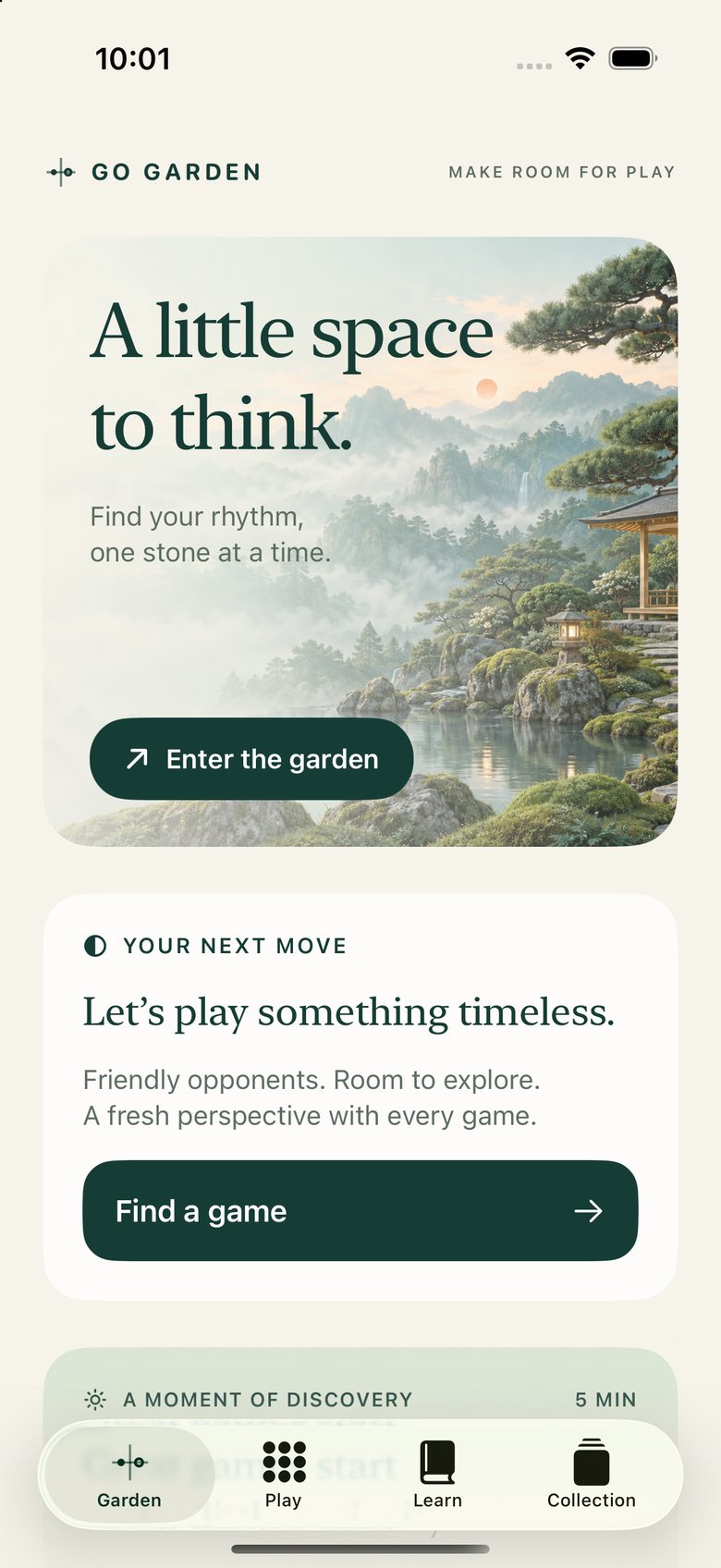
Find your rhythm, one stone at a time. Go Garden teaches you Go — also called Baduk or Weiqi — on the board itself, then grows a garden around everything you learn. Free to start, offline always, yours completely.
Try it right here
This is lesson one, live in your browser. White has a single liberty left — tap it and the stone comes off the board. No account, nothing to install.
White has one liberty left. In the app, you tap it — and the stone comes off the board.
Tap the empty point beside White.
Learn
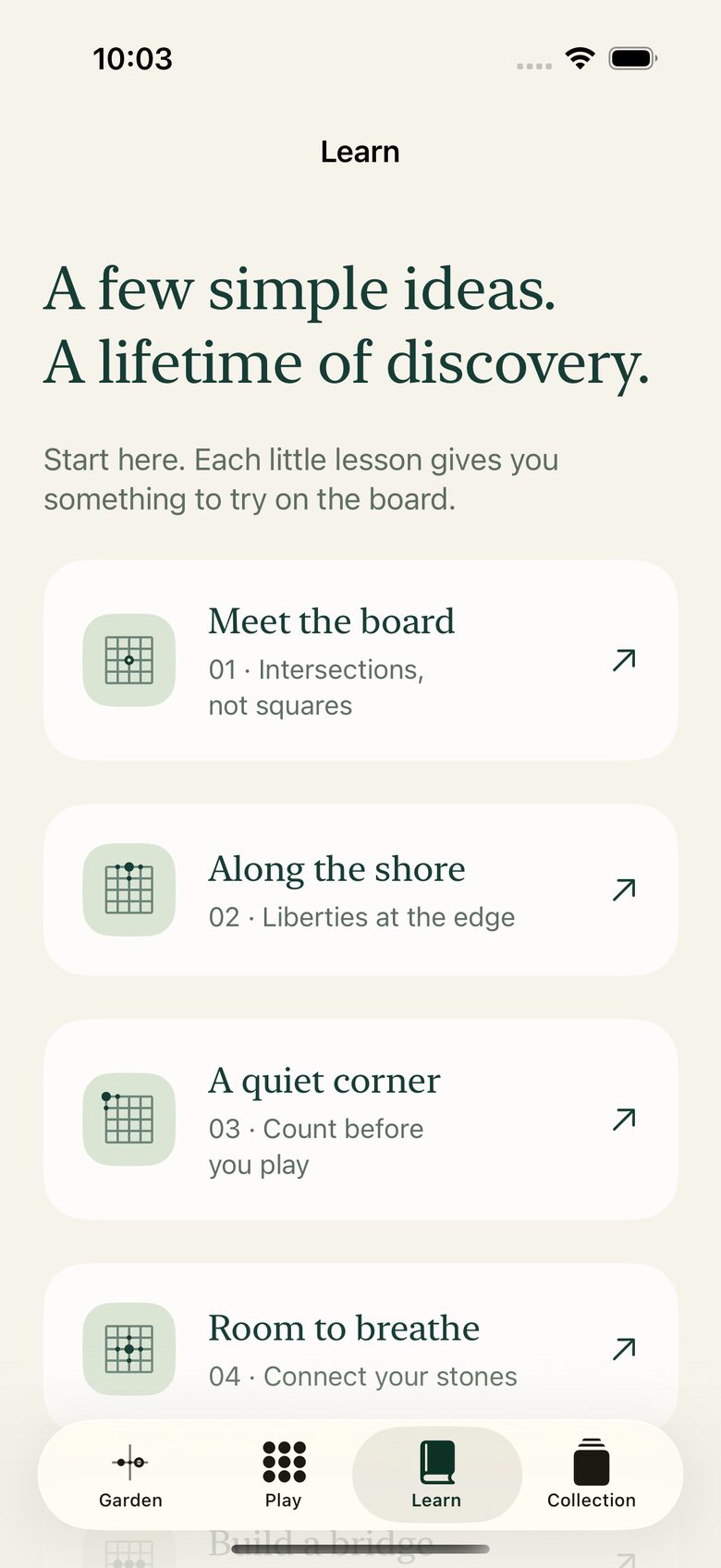
Most apps for Go — the ancient board game also known as Baduk and Weiqi — hand you a rulebook. Go Garden hands you a board. The Path carries you from your first capture to finished games — 14 free units, each a small position with one clear idea to try.
Stones live on intersections, not squares. One tap and the board makes sense.
Every stone breathes through its empty neighbours. Corner, edge, center — feel the difference.
Take White's last liberty — you did it above. Then learn atari, connection, and rescue.
Surround empty land, finish with two passes, and count your area. That's a game of Go.
A fresh offline puzzle every morning, drawn from lessons and practice positions. About 40 seconds, one idea, one more plant in your garden.
Play
Five tiers of opponents, from Seedling to Mountain, each with a style you can learn to beat. Seedling and Grove are free; Plus opens Forest, Willow, Cedar and Mountain. Local two-player on one device, either color, handicap stones — everything on-device, at your pace.
The 9×9 board is where tactics are born and evenings disappear. Perfect first battlefield — finish, review the turning point, plant the win.
13×13 opens the middle game: wider frameworks, longer fights, real territory to build — with confirm-move ghost stone and coordinates to keep you oriented.
The full 19×19 board with atari indicator, undo, pass, resignation, bot dead-stone suggestions, resumable scoring, history with replay, and SGF sharing.
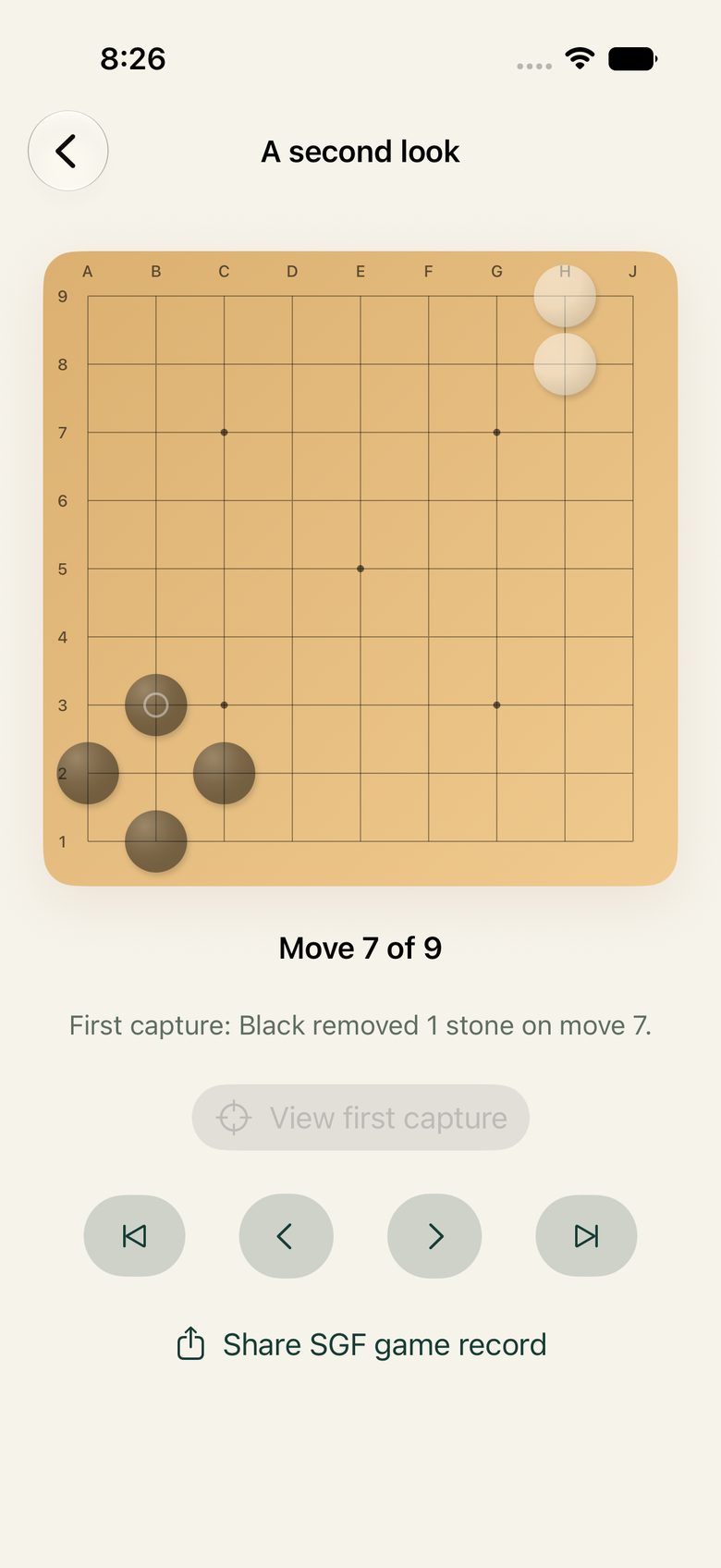
Every game leaves you something to see. Reopen a finished match and Go Garden walks its key moments — deterministic observations about captures and turning points, never invented grandmaster commentary. Import any SGF to do the same.
Undo cancels the bot's reply and restores your turn. Try the bold move; the garden won't judge.
Area scoring, 7.5 komi, positional superko, no self-capture — stated plainly. At the end, the bot suggests which stones are dead. Disagree? It asks you to play on and settle it on the board.
Garden
Your persistent 9×9 garden grows a plant for every lesson, puzzle, and finished game. Original scenery shifts with the time of day — and after dark, the night garden glows.
Miss a day and nothing withers. No streaks, no decay, nothing taken away.

Go Garden Plus
60 authored practice positions in four chapters. Plus also opens the stronger Forest, Willow, Cedar and Mountain opponents, plus the Slate and Kaya board styles. One-time purchase, no subscription. Everything free stays free.
Chapter 1 · 15 positions
Read liberties, capture races, and legal exceptions.
Chapter 2 · 15 positions
Escape atari, make two eyes, and spot dead shapes.
Chapter 3 · 15 positions
Close borders, take the biggest endgame move, and count.
Chapter 4 · 15 positions
Take the final tactical value, then use the two-pass review.
Private by design
No accounts, no ads, no analytics, no tracking — progress and saved games never leave your device. Read the full privacy policy: one page, plain language.
FAQ
Yes — lessons, all board sizes, friendly opponents, local play, undo, saves, and replay are free. The optional one-time Plus purchase adds four practice chapters.
Completely. Lessons, puzzles, opponents, and saves run on-device. Only App Store purchase processing may need a connection.
Right here — the puzzle above is lesson one. In the app, a three-step introduction takes you from placing stones to your first capture in minutes.
Yes — local two-player on one device, any board size, with handicap options.
iPhone and iPad running iOS 17 or later — light and night-garden dark themes, Dynamic Type, VoiceOver labels, optional sound and haptics.
Yes — Go, Baduk (Korea), Weiqi (China), and Igo (Japan) are different names for the same ancient board game. Go Garden uses the English name Go throughout.
On your device only. No account, no cloud sync — deleting the app deletes its stored progress and games. See Support for help.
Free · iOS 17+ · iPhone & iPad
Your garden is empty. Fix that.